Raising teenagers in a digital-first world comes with new challenges and opportunities. From online learning and homework to creative projects and entertainment, teens rely heavily on technology every day. For families looking to balance performance, safety, and flexibility, Microsoft Surface devices offer a well-rounded solution designed to grow with teens’ needs.
Why Microsoft Surface Works Well for Teens
Microsoft Surface devices are built to adapt. Whether your teen is typing an essay, sketching digital art, coding, or attending virtual classes, Surface combines laptop power with tablet flexibility.
Designed for School and Beyond
- Runs full Windows apps required by most schools
- Seamlessly supports Microsoft 365 tools like Word, Excel, and OneNote
- Easily transitions from schoolwork to creative or personal use
This versatility means families don’t need multiple devices for different tasks.
Flexible Form Factors for Different Learning Styles
Every teen learns differently, and Surface devices are designed with that in mind.
2-in-1 Design Benefits
- Laptop mode for essays, research, and tests
- Tablet mode for reading, note-taking, and drawing
- Studio-style use for design, music, and creative work
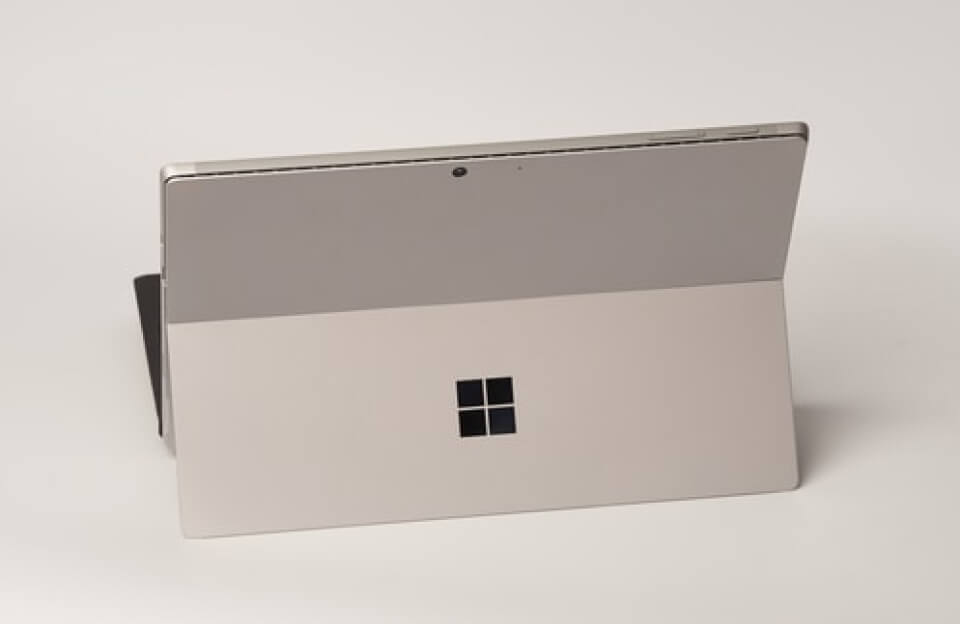
Devices like Surface Pro and Surface Go allow teens to switch modes effortlessly, supporting both structured learning and creative exploration.
Built-In Tools for Creativity and Expression
Teen years are often a time of discovering interests and talents. Microsoft Surface supports creativity across multiple disciplines.
Creative Features Teens Love
- Surface Pen for drawing, annotating, and note-taking
- Touchscreen for intuitive interaction
- Support for creative software like Adobe apps, Blender, and music tools
Whether your teen is an artist, aspiring engineer, or content creator, Surface provides the tools to experiment and grow.
Parental Controls and Digital Safety
For families, safety and screen-time management are just as important as performance.
Microsoft Family Safety Features
- Screen time limits across devices
- App and game usage monitoring
- Content filters for age-appropriate browsing
- Activity reports for parents
These tools help families set healthy boundaries while giving teens independence and responsibility.
Built for Durability and Portability
Teens are always on the move—between school, home, and extracurricular activities.
Why Surface Is Family-Friendly
- Lightweight and easy to carry in backpacks
- Solid build quality for everyday use
- Long battery life for full school days
This makes Surface a practical option for busy schedules and shared spaces.
Preparing Teens for the Future
Using Windows-based devices helps teens build digital skills that translate directly to higher education and the workplace.
Future-Ready Advantages
- Familiarity with professional software
- Strong typing, file management, and collaboration skills
- Exposure to tools used in colleges and careers
Microsoft Surface isn’t just a device for today—it’s an investment in long-term learning.
Final Thoughts: A Balanced Tech Choice for Families
For families of teens, Microsoft Surface strikes a thoughtful balance between productivity, creativity, and control. It supports academic success, encourages self-expression, and gives parents peace of mind—all in one adaptable device.
As teens grow, learn, and explore who they are, Microsoft Surface grows with them, making it a smart and reliable companion for both students and families alike.